From object to CAD
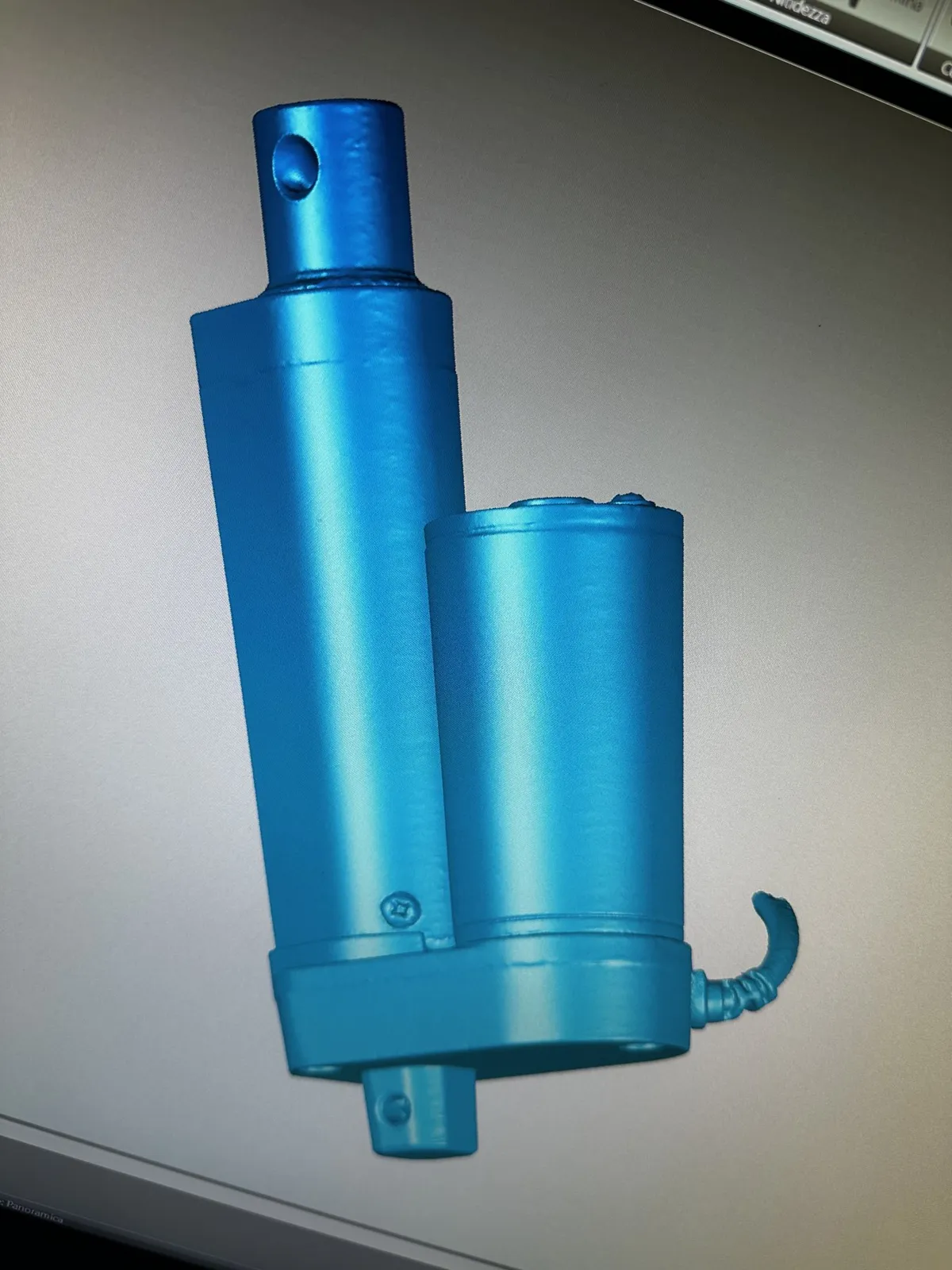
3D scanning: from object to CAD. A mechanical part on the bench, a statue on a turntable, a bridge in the snow: the setting changes, the result does not. The measured surface becomes real CAD geometry you can design with, mill and print.
WorkHolographics
- Settings
- Measuring bench, turntable, museum, outdoors, drone
- Tools
- Structured light, photogrammetry, drone
- Outputs
- Mesh, point cloud, CAD surfaces, STEP solids
- Uses
- Reverse engineering, spare parts, museum replicas, prototypes
Step by step, in pictures
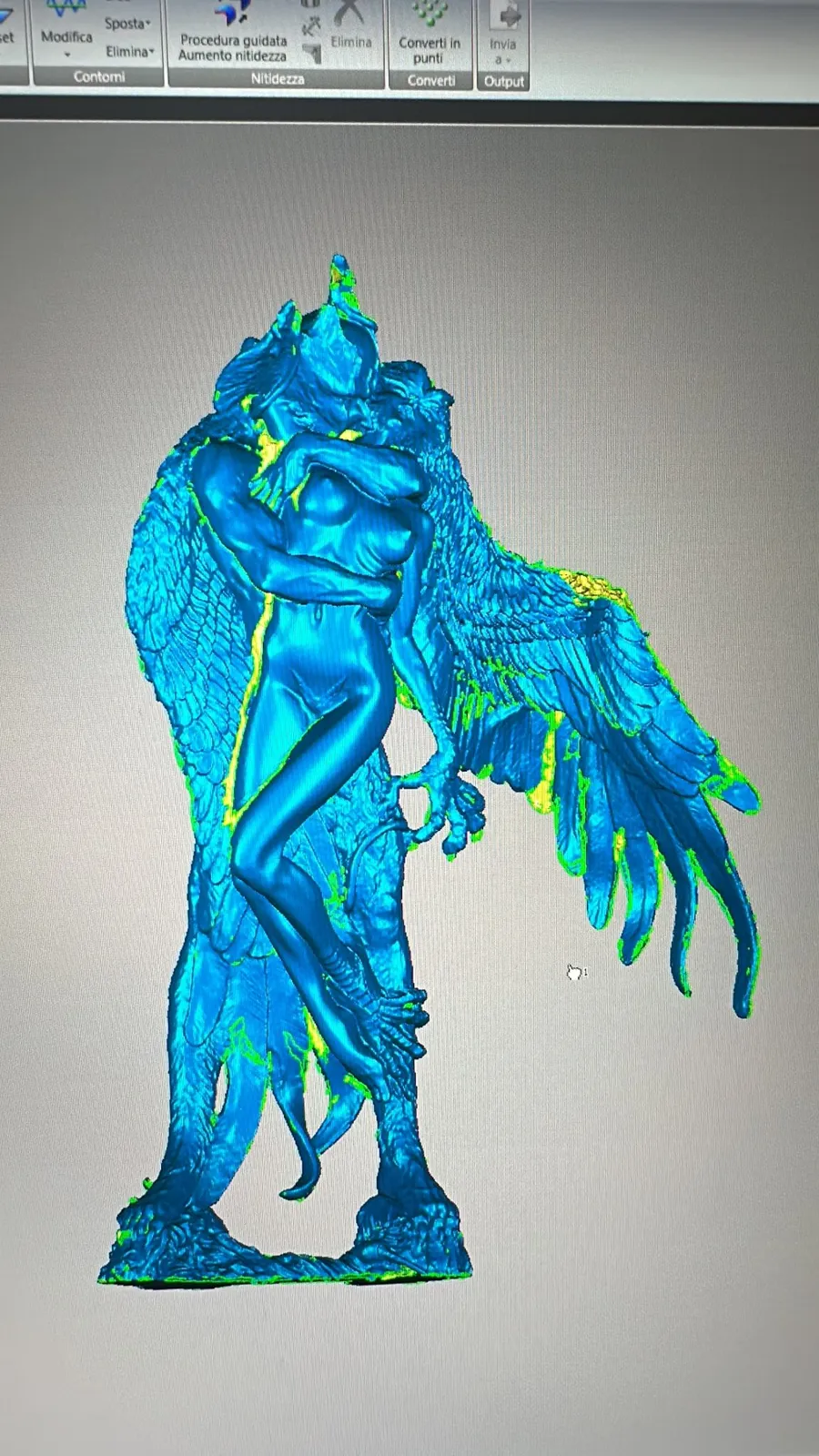
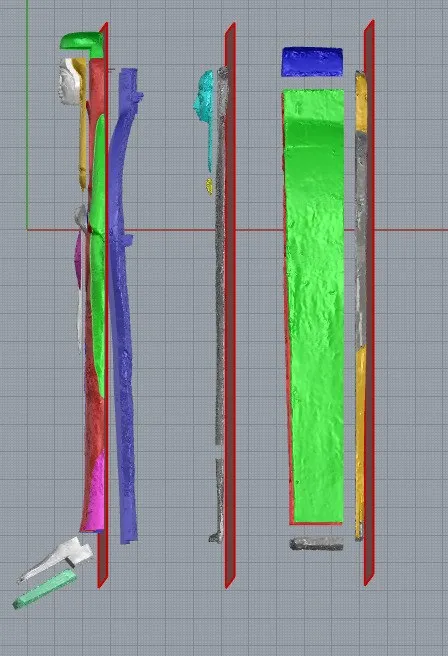
How we did it
Capture
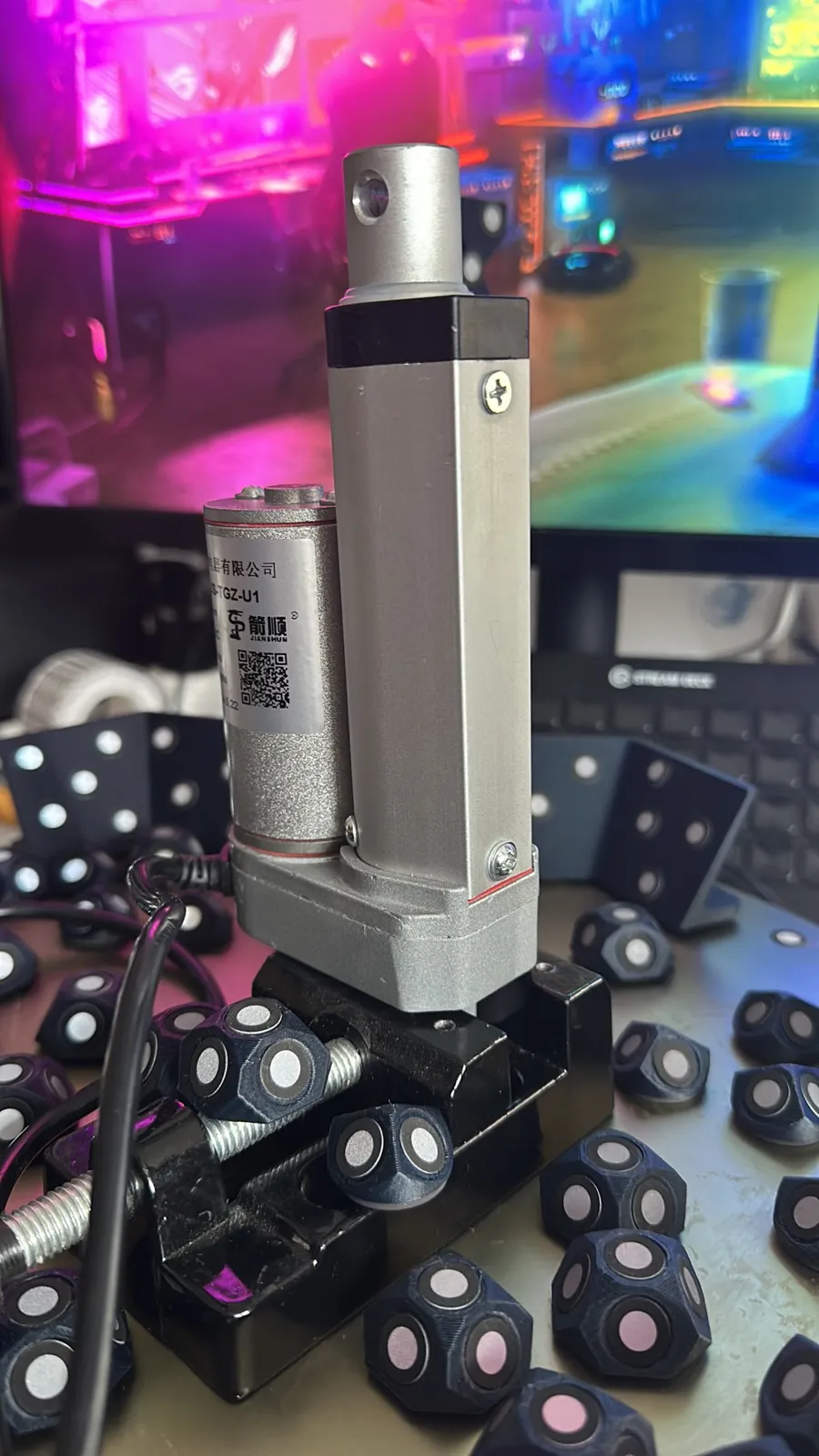
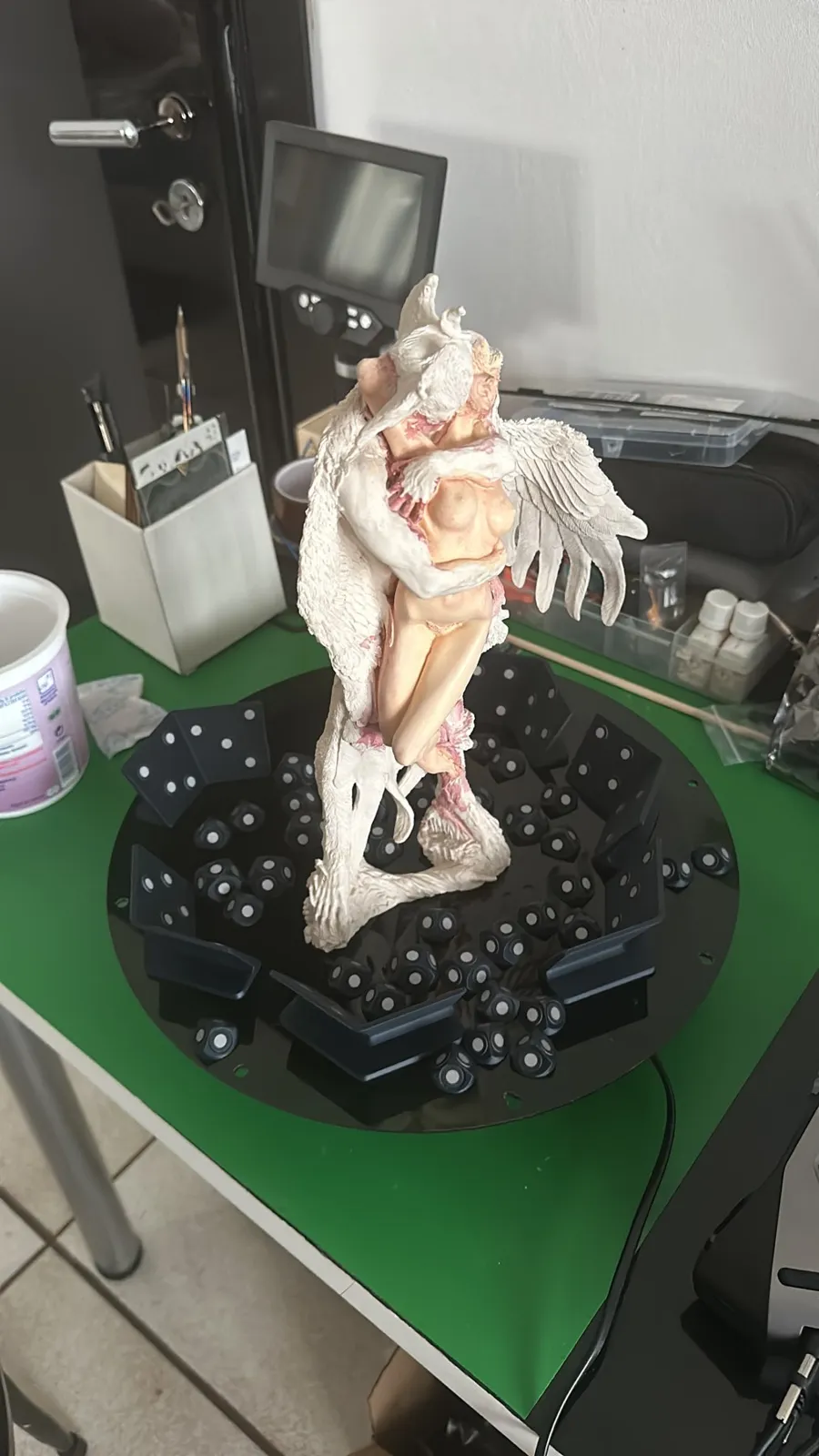
Structured light for small and medium parts, photogrammetry for statues and buildings, a drone for whole sites. The choice depends on the object and where it is.
Clean-up
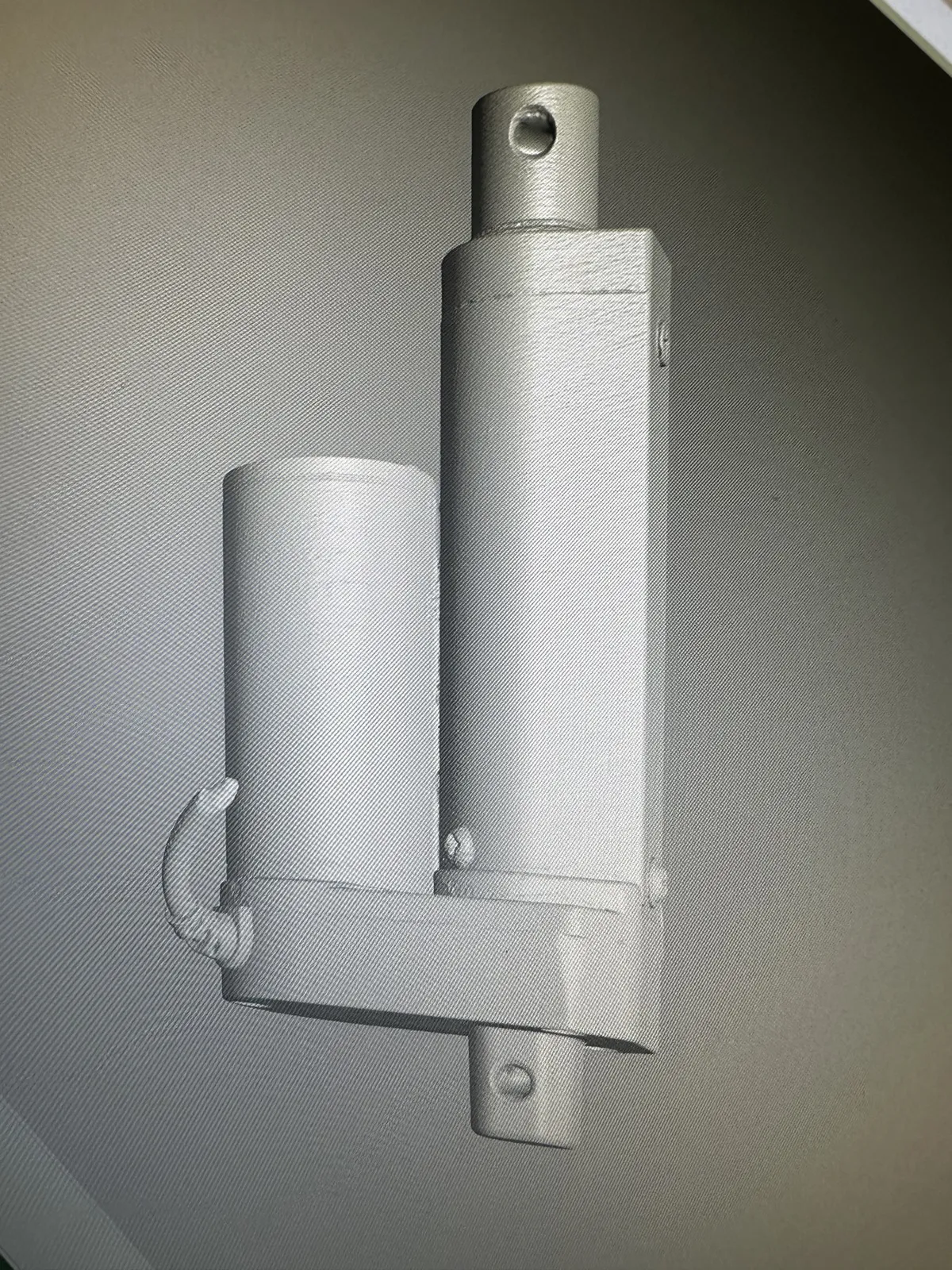
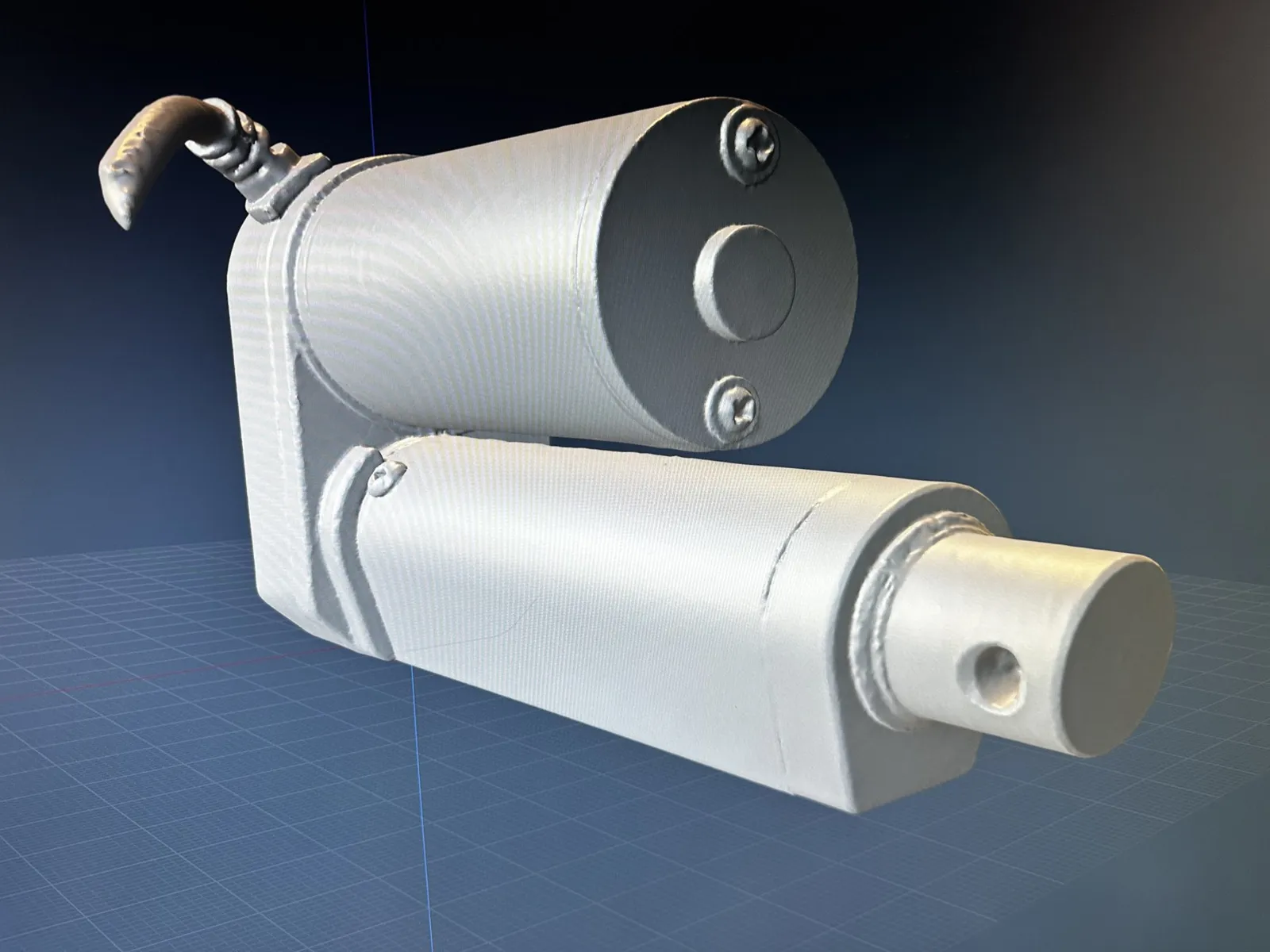
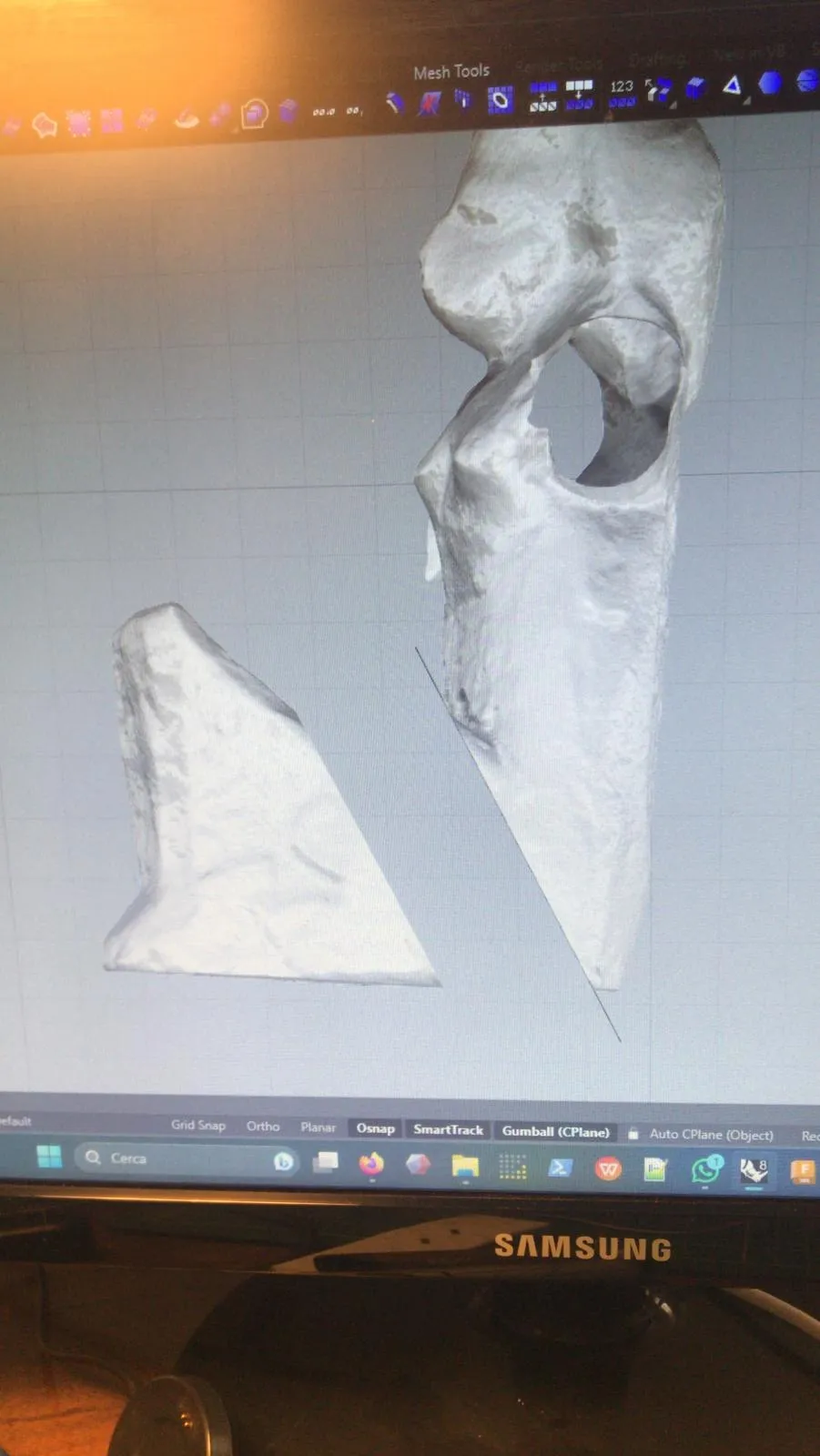
Scans are aligned, holes closed, one clean mesh remains.
Check
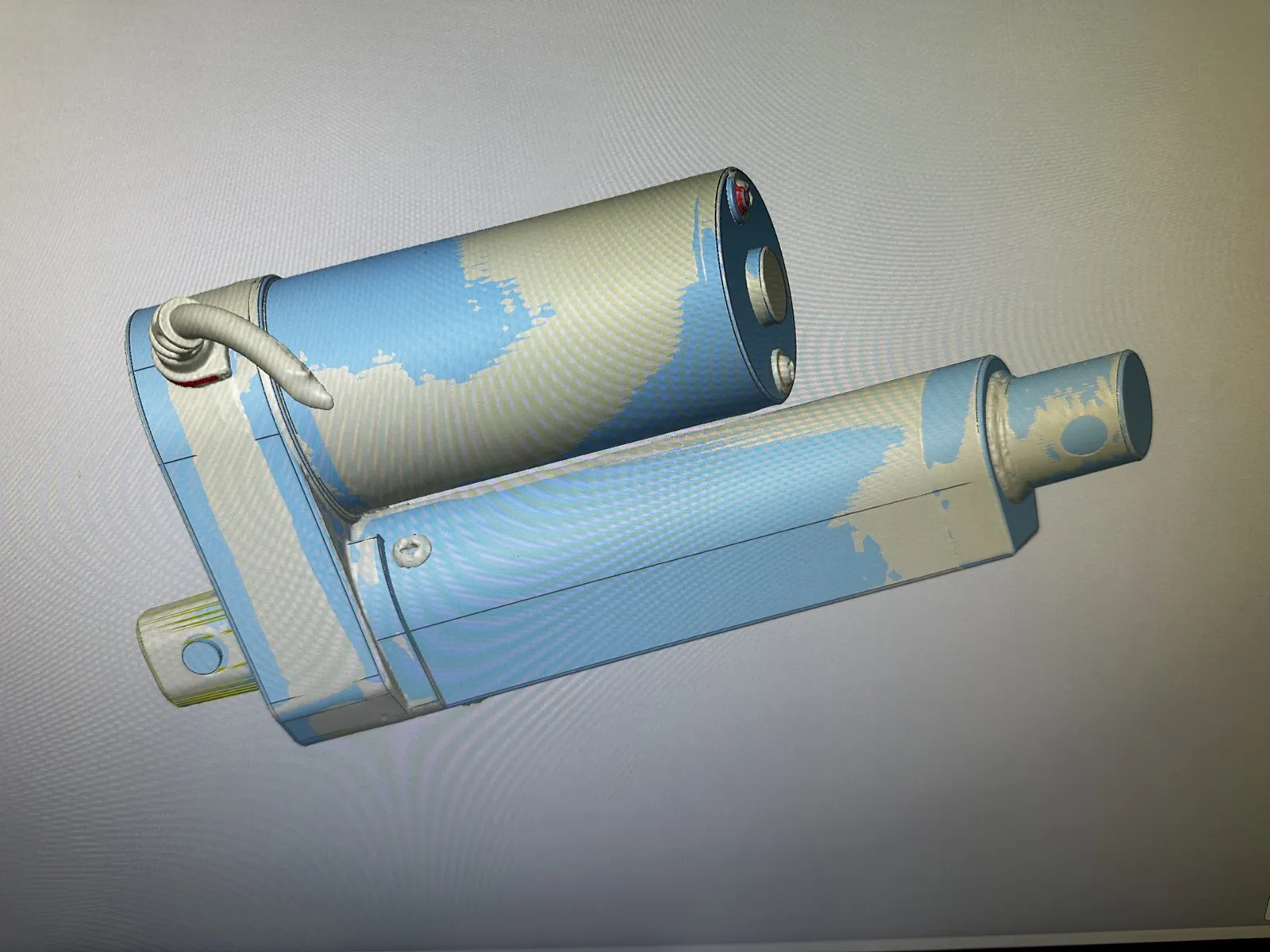
A deviation map compares scan and model: colours show where and by how much they differ.
CAD geometry
The mesh becomes CAD surfaces and STEP solids, also with Mesh2Solid, the converter we built. Files an engineering office can open and edit.
Use
Spare parts that no longer exist, changes to an existing part, museum replicas, prototypes.
Bring us the context. The constraints. Even the mess.
Finding the way is our job.
Tell us the problemor write to holographics.it@gmail.com